







Dynamics 365 CRM Services in UAE
Power Better Customer Relationships with Dynamics 365 CRM
Help your UAE business connect sales, customer service, data, and AI with Dynamics 365 CRM solutions.
What Is Dynamics 365 CRM?
WHAT IT IS
Dynamics 365 CRM is a customer relationship management platform that helps businesses connect sales, customer service, customer data, and business processes in one environment. For UAE businesses, it can help teams manage customer interactions, improve visibility, automate workflows, and deliver more connected customer experiences.
WHO IT'S FOR
- Businesses looking to centralize customer information
- Sales and service teams managing growing customer relationships
- Organizations seeking smarter automation and customer insights
HOW WE SUPPORT YOUR CRM
Sales | Customer Service | Customer Insights | Automation & Integration

Dynamics 365 CRM Implementation Services
Get end-to-end services to plan, configure, connect, and launch your CRM.
Define CRM requirements, priorities, and implementation scope.
Configure CRM around your sales, service, and business processes.
Adapt workflows, configurations, and functionality to your business needs.
Connect CRM with Microsoft and third-party business systems.
Prepare and migrate essential customer and business data.
Prepare users and support a smooth transition to the live environment.

Talk to our experts to unlock the value of Dynamics 365 CRM for your business
Dynamics 365 CRM for Better Customer Engagement
Improve customer engagement with connected data, streamlined processes, and smarter experiences.
Connected Customer Data
Bring customer information together to give teams a clearer view of every interaction.
Smarter Sales & Service
Connect sales and service processes to improve customer engagement and team productivity.
Better Customer Experiences
Create more consistent and personalized experiences across customer touchpoints.
Core Capabilities of Dynamics 365 CRM
Connect sales, service, customer data, and automation in one platform.
Lead & Opportunity Management
Track leads, opportunities, and sales pipelines.
Sales Automation
Streamline repetitive sales activities and follow-ups.
Sales Insights
Turn customer and pipeline data into actionable insights.
Sales Forecasting
Monitor pipeline activity and improve sales visibility.
Account Management
Manage customer accounts and interactions in one place.
Relationship Management
Build stronger customer relationships across the sales cycle.
Dynamics 365 CRM with AI, Copilot & Automation
Use intelligent tools to improve productivity, customer engagement, and everyday CRM processes.

AI-Powered CRM
Use customer and business data to uncover insights, support decisions, and improve customer engagement.
Microsoft Copilot
Help sales and service teams summarize information, create content, and complete everyday CRM tasks more efficiently.

CRM Automation
Automate repetitive tasks, workflows, follow-ups, and processes across sales and customer service.
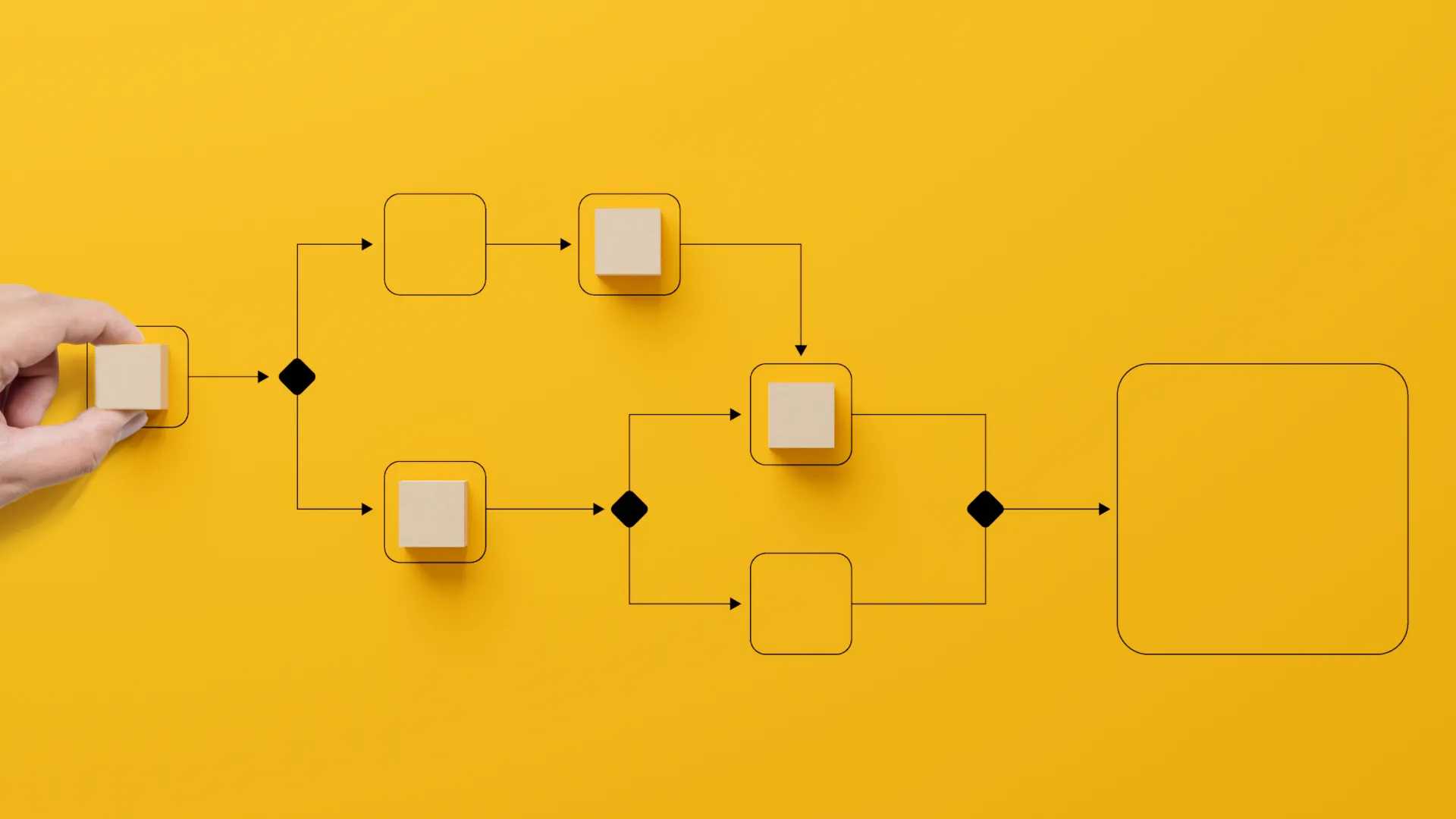
Intelligent CRM Workflows
Automate routine activities and support smarter customer interactions. Connect workflows across sales, service, and customer processes for greater efficiency.
Dynamics 365 CRM Implementation Process
Follow a structured approach from discovery through go-live and optimization.
PROJECT STAGES
Activities & deliverables
- Business & process assessment
- Requirements gathering
- CRM roadmap
- Implementation scope
Activities & deliverables
- Solution design
- CRM configuration
- Workflow setup
- User & role planning
Activities & deliverables
- Data validation
- Process testing
- Integration testing
- User acceptance testing
Activities & deliverables
- User readiness
- Go-live preparation
- Go-live support
- Performance optimization
CRM IMPLEMENTATION FLOW
- Discover
- Configure
- Validate
- Launch
- Optimize
Clear Roles & Collaboration
Business stakeholders, CRM specialists, and technical teams work together throughout implementation.
Dynamics 365 CRM Support & Optimization
Keep your CRM reliable, optimized, and aligned with changing business needs.
- Technical Support
- Functional Support
- CRM Maintenance
- Performance Optimization
- User Support
- Ongoing Enhancements
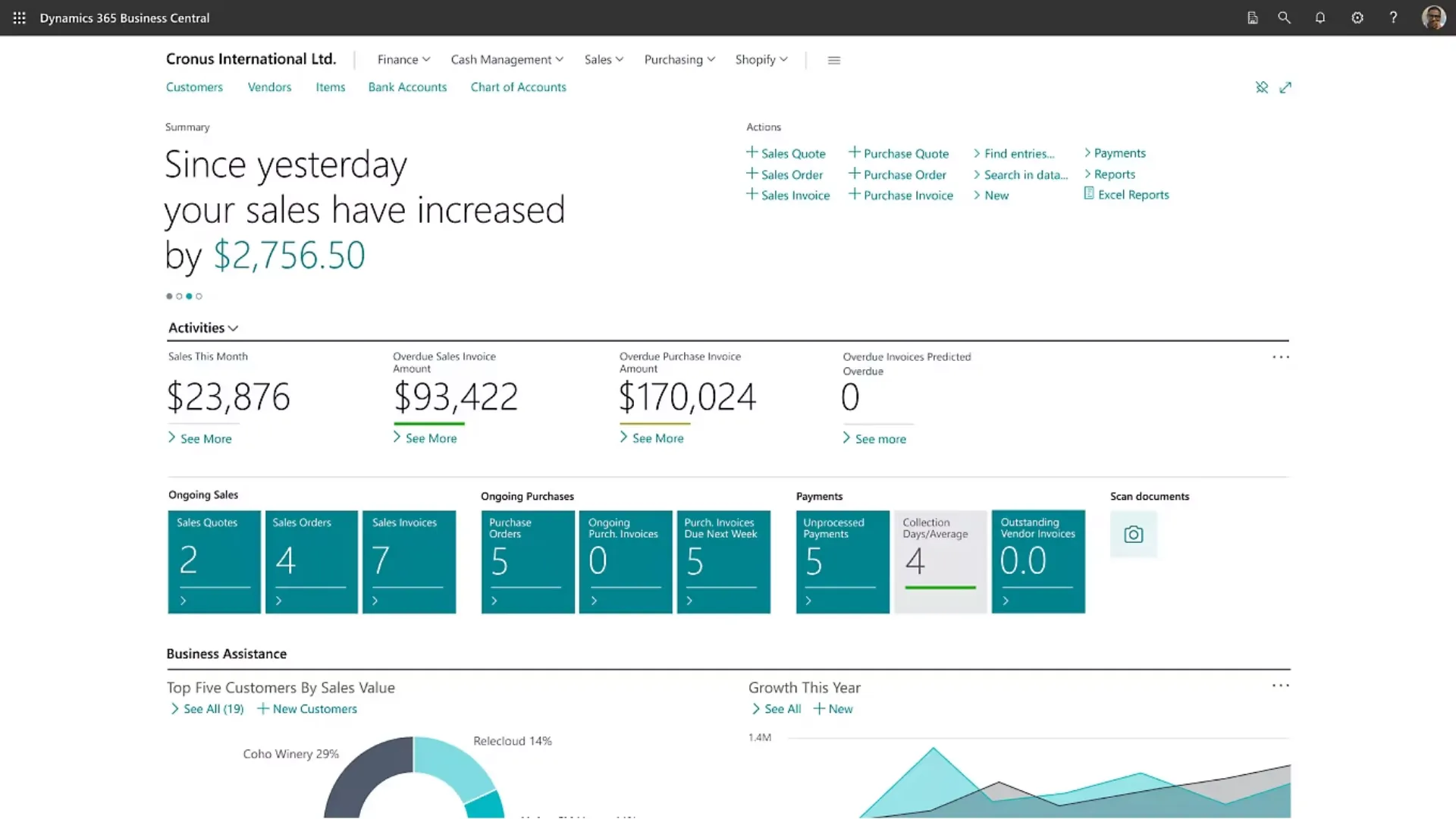
Support That Evolves with Your Business
Ongoing support to keep your CRM performing at its best
- Support
- Maintenance
- Optimization
Dynamics 365 CRM Pricing in UAE

Licensing Options
Pricing depends on the CRM applications, users, and licensing requirements.

Get a Custom Quote
Every business has different CRM needs. Get a quote based on your scope and requirements.

Implementation Cost Factors
Costs depend on customization, data migration, integrations, users, and implementation complexity.
Why Choose Tech& as Your Dynamics 365 Implementation Partner?
- Business-Focused Approach — CRM aligned with your business processes.
- Implementation Expertise — Structured delivery from planning to go-live.
- AI & Automation — Practical guidance for Copilot and CRM automation.
- UAE Business Focus — Solutions tailored to UAE business requirements.
- Ongoing Support — Continued assistance as your CRM evolves.
Power Your Business with Dynamics 365 CRM
Connect your teams, customer data, and processes with the right CRM strategy.
FAQs
Dynamics 365 CRM is a customer relationship management platform that helps businesses manage sales, customer service, customer data, engagement, and business processes in one connected environment.
Dynamics 365 CRM implementation services include planning, configuration, customization, data migration, integration, testing, user preparation, and go-live support based on business requirements.
Dynamics 365 implementation can include business assessment, solution configuration, workflow setup, data migration, system integration, testing, training, deployment, and ongoing optimization.
The cost of Dynamics 365 CRM implementation services depends on the applications selected, number of users, customization, data migration, integrations, and overall project scope. A customized assessment can help determine the expected cost.
D365 Customer Engagement refers to Dynamics 365 capabilities that help businesses manage customer interactions across sales, customer service, marketing, and related engagement processes.
Dynamics 365 CRM support can include technical and functional assistance, troubleshooting, CRM maintenance, configuration support, performance optimization, and ongoing enhancements.

